 Déjà Vu
Your life has a thread.
Find it again.
Photos from this day, year after year. Déjà Vu connects those moments in your lifeline, bringing you back to them every day.
 For iPhone and iPad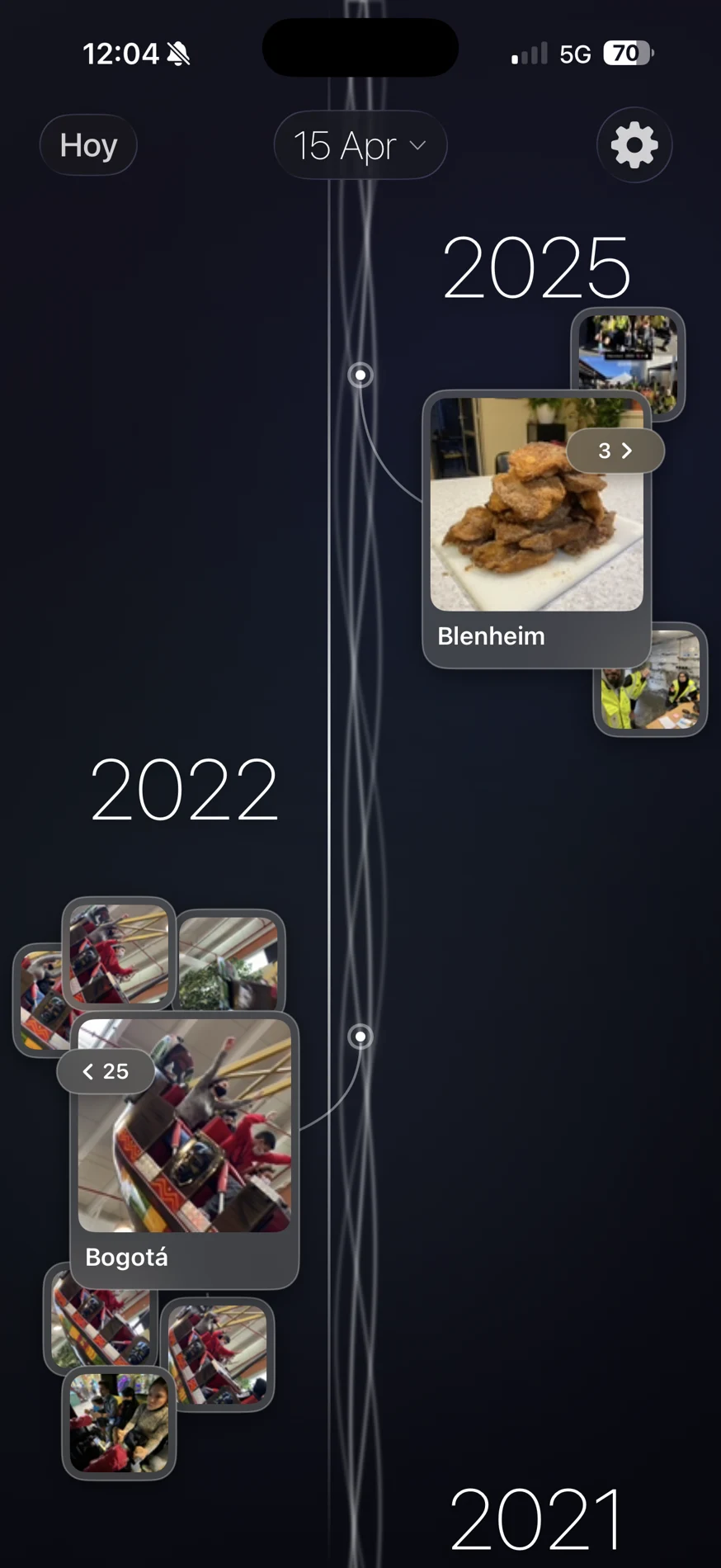
One day. Many chapters.
The same calendar day brings together journeys, people and little moments from different years. Follow your lifeline, open each photo collection and let one memory lead to another.
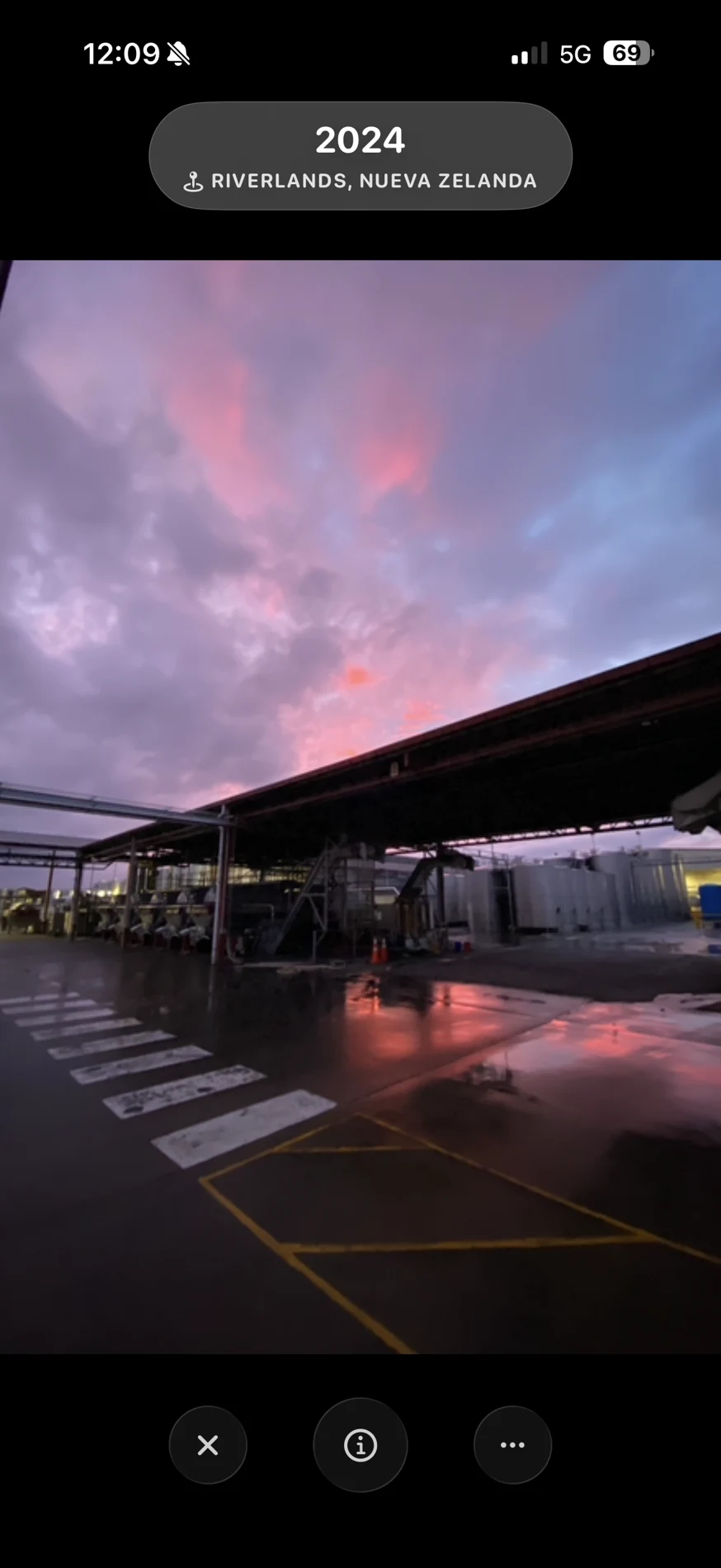
A photo deserves your full attention.
Open your memories full screen. Rediscover the place, the year and the details of that moment, without getting lost among thousands of photos.
A memory at first glance.
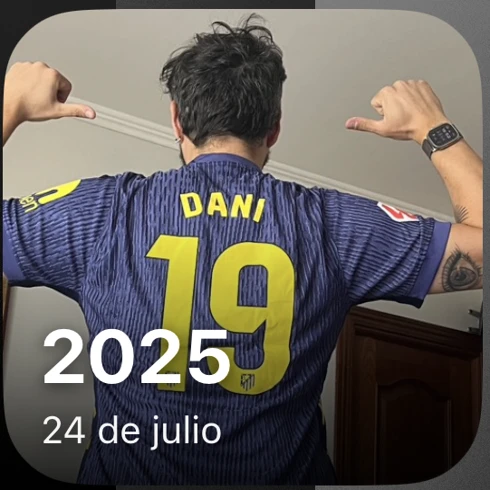
Widgets bring photos from this day to your Home Screen. Reminders invite you to take a moment and return to them.
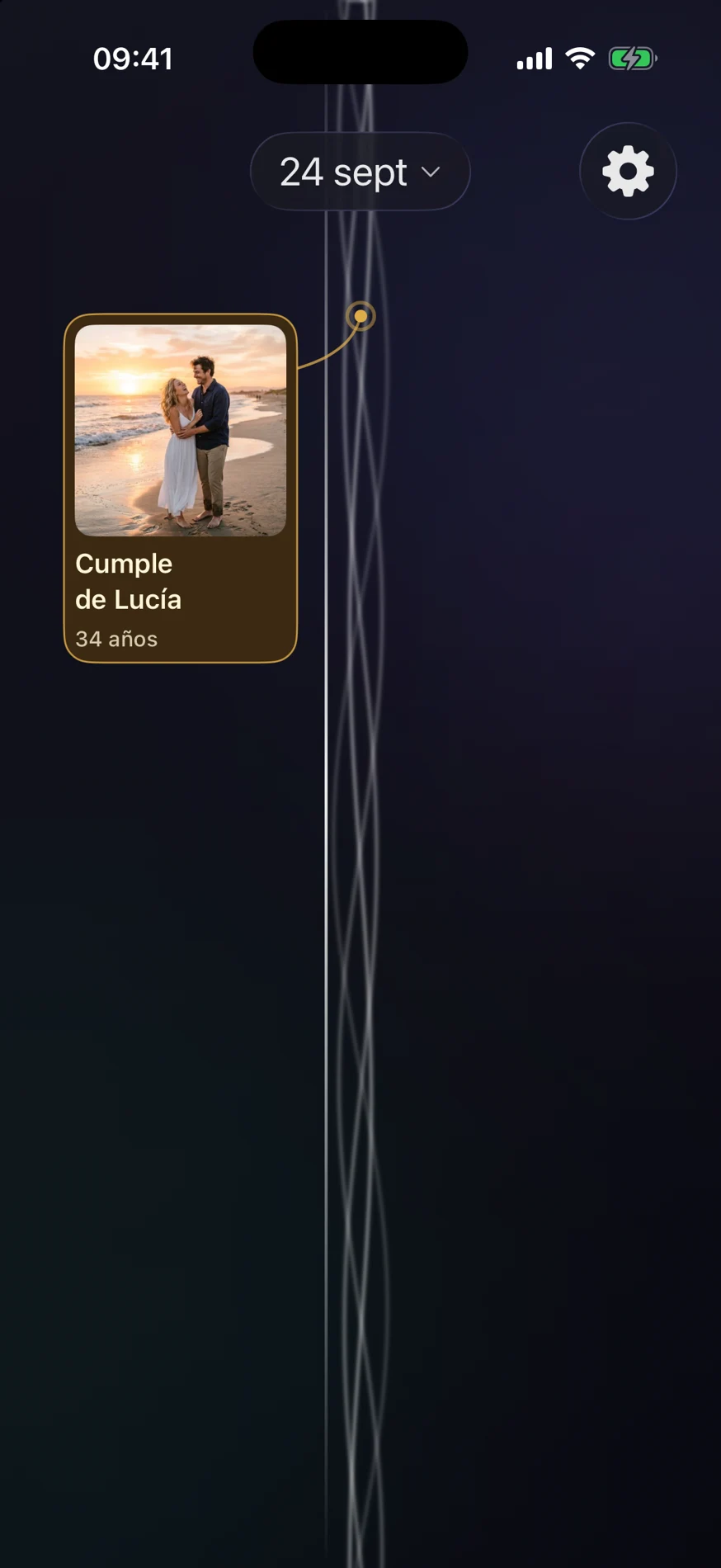
People are part of the thread, too.
Add birthdays and link photos to your contacts. Their special days appear alongside your memories, within the same lifeline.
Some days are worth returning to.
Choose another date in the calendar. Save your favourites and return to the moments that mean the most to you.
Your memories, wherever they are.
Your iOS photo library is the starting point. From version 1.4, you can also import from Google Photos, Dropbox or Immich. With Google Photos, you choose images through its official Picker.
You decide what to import, how long to keep local copies and when to disconnect each service.
Personal stays personal.
Photos are organised on your device. No proprietary servers receiving your memories, no advertising, no tracking and no Déjà Vu account to create.
Read the privacy policy